Co-Scientist Code
Co-Scientist Code brings the 20minds co-scientist directly into your coding workflow. It is a Visual Studio Code extension built for computational scientist who want faster, more interpretable analysis without leaving their editor.
Why Co-Scientist Code
- Work where you already build and analyze.
- Move from question to analysis in minutes.
- Get interpretable outputs designed for scientific decision-making.
Get started
- Install the extension from the Microsoft Marketplace.
- Open VS Code and activate the 20minds extension.
- Ask a question or request an analysis from within your project.
What it helps you do
- Analyze scRNA-seq datasets quickly.
- Run fast quality checks on your data.
- Preprocess data and move to results faster.
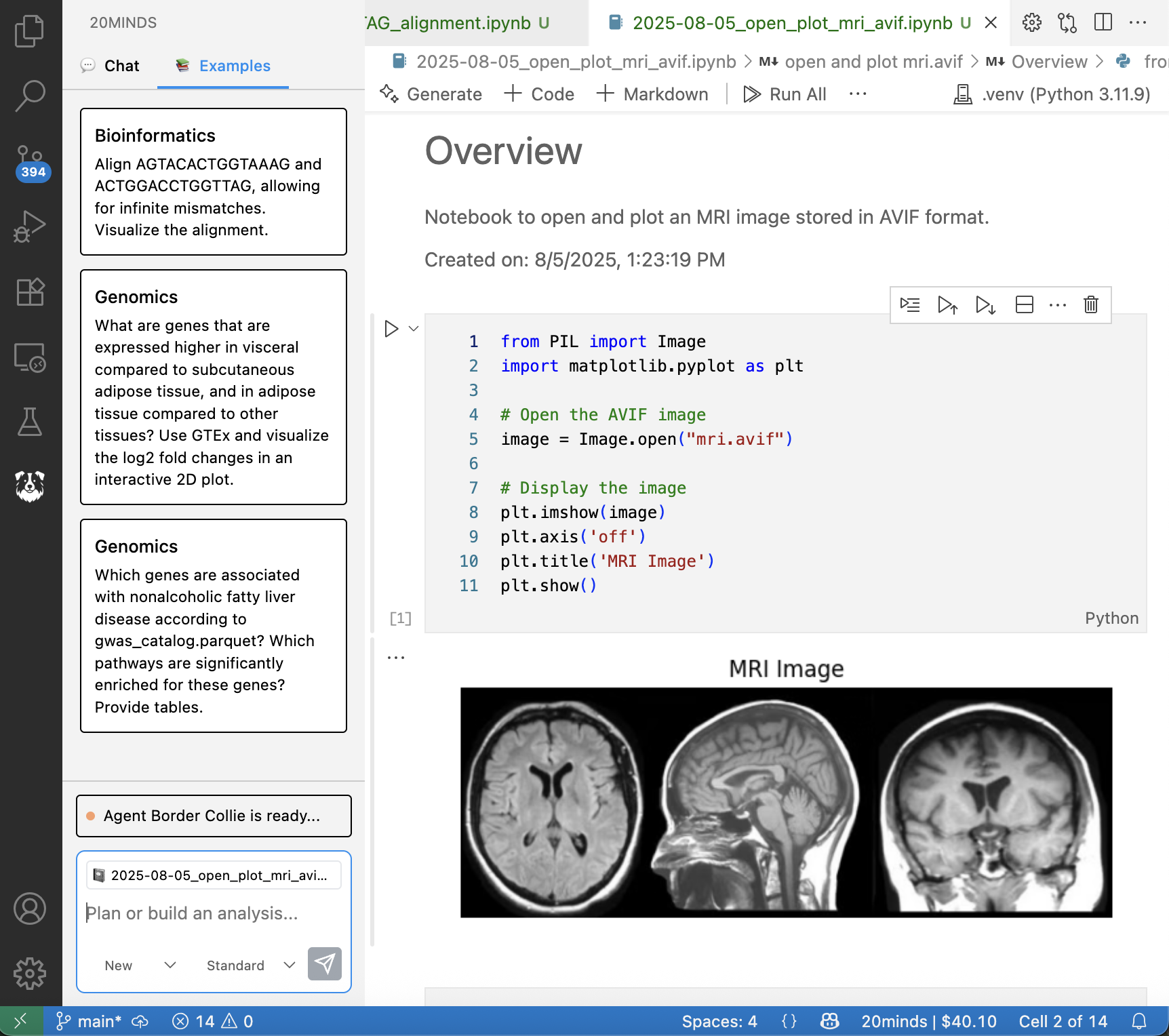
Screenshots
Example workflows
- "Analyze my scRNA-seq dataset and summarize key cell populations."
- "Quality-check this dataset and highlight potential issues."
- "Preprocess the data and prepare it for downstream analysis."
Tips for better results
- Keep your request focused on a single task.
- Provide a clear dataset or path when possible.
- Follow up with constraints if you want a specific output.
Learn more
Co-Scientist Code is designed to complement Co-Scientist Web. Use Web for quick, hypothesis-driven queries and Code for deeper computational workflows inside VS Code.